ImageAttention method
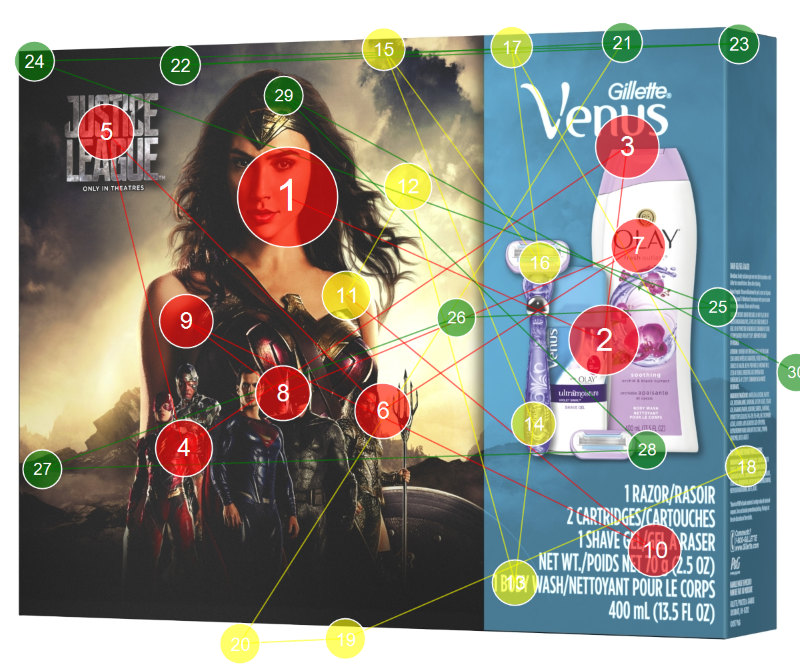
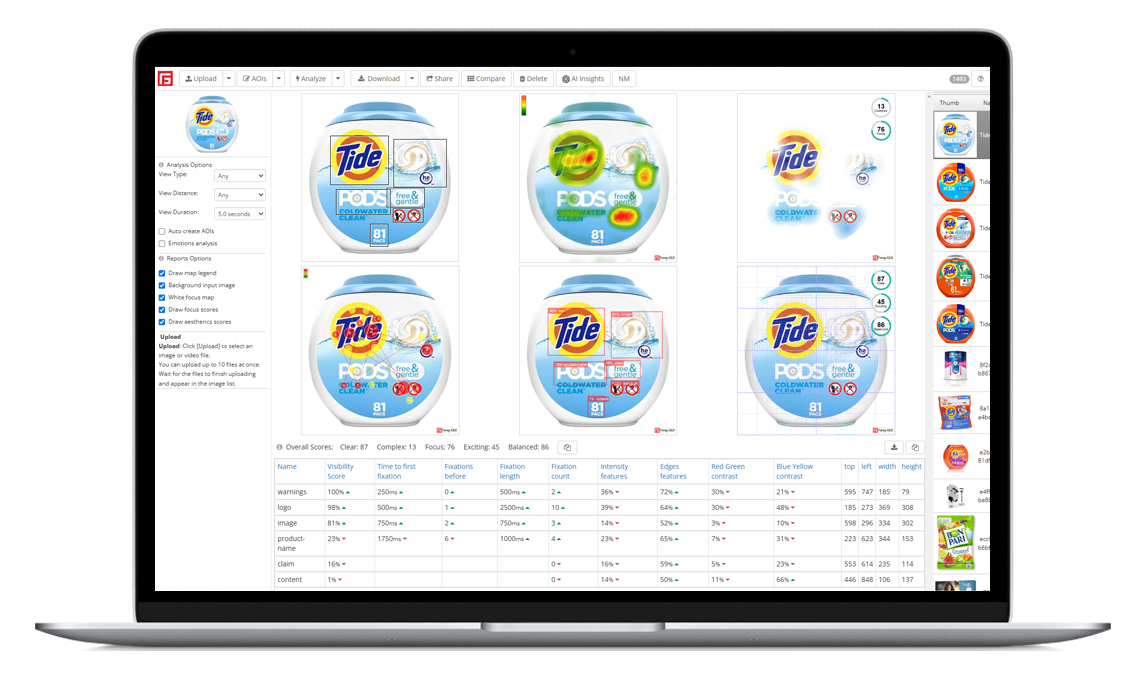
Feng-GUI attention analysis of an image.
Credit: one credit is charged for a successful execution.
The ImageAttention method generates the
Attention,
Gaze,
Opacity and
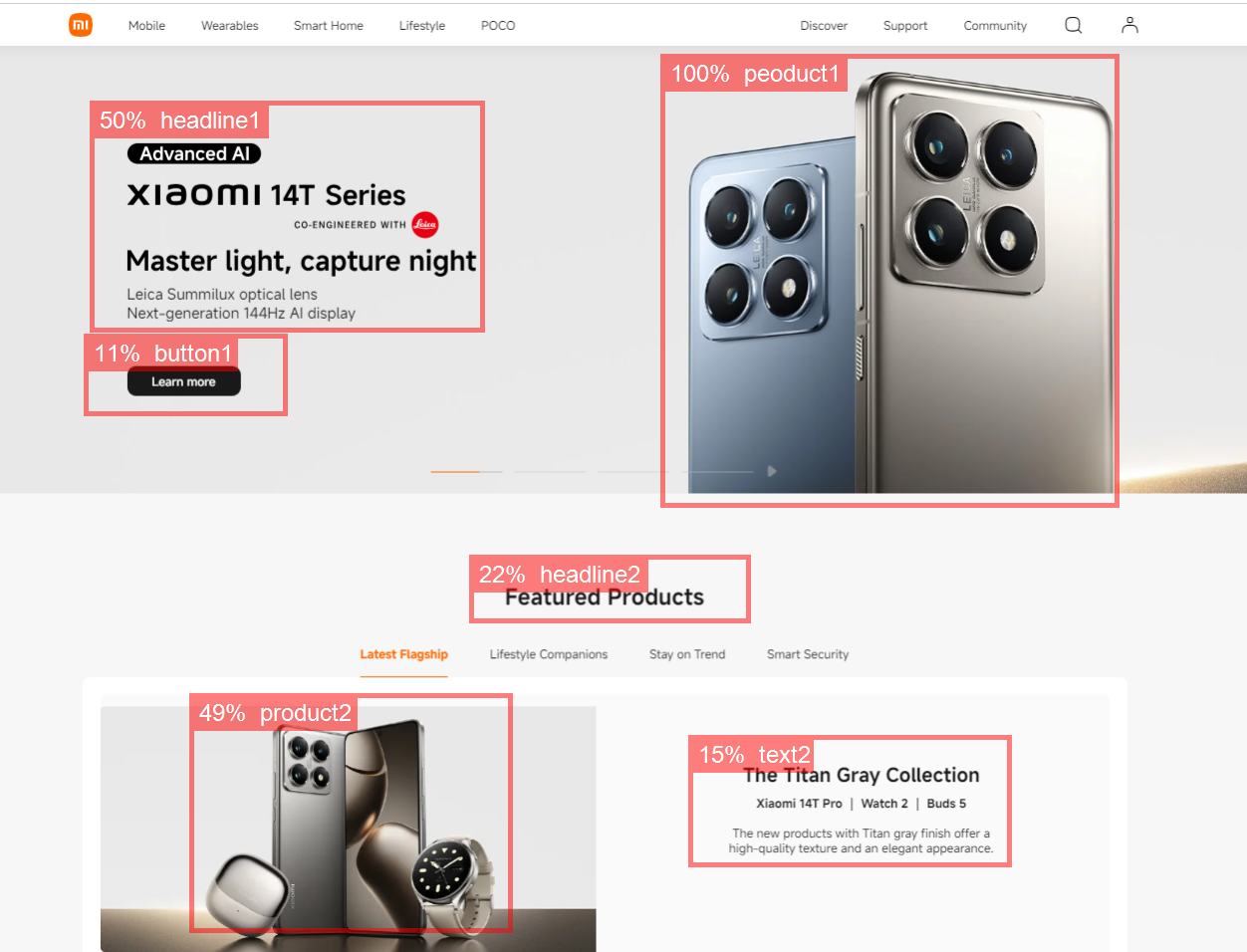
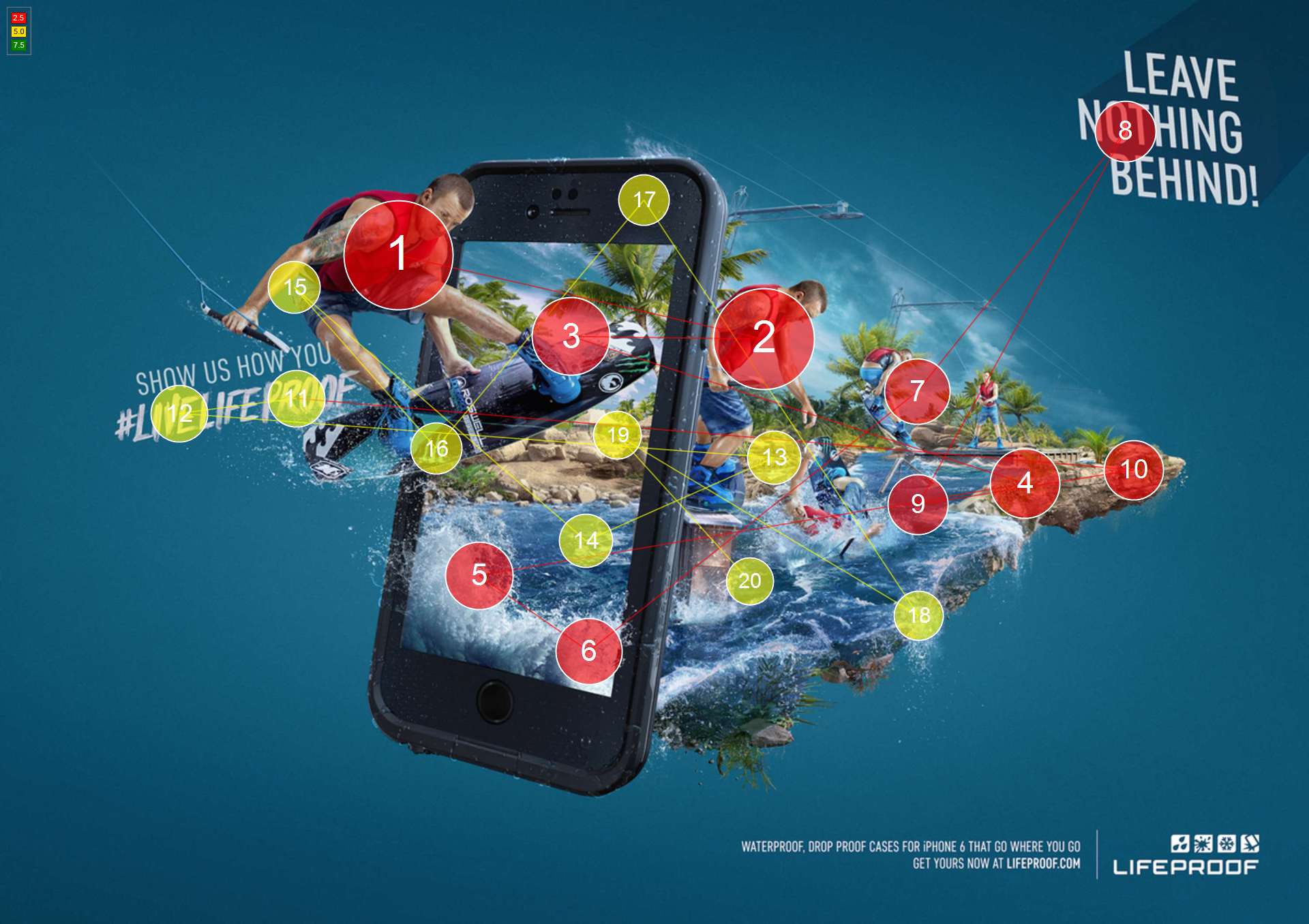
AOIs reports in one execution and in a single credit cost.
You can get all the reports by changing the suffix of the returned OutputImage URL.
http://service.feng-gui.com/users/USERNAME/files/heatmaps/ImageID.png
http://service.feng-gui.com/users/USERNAME/files/heatmaps/ImageID_gazeplot.png
http://service.feng-gui.com/users/USERNAME/files/heatmaps/ImageID_opacity.png
http://service.feng-gui.com/users/USERNAME/files/heatmaps/ImageID_aoi.png
Arguments
InputImage (string)
Full URL (http://...) path of the input image file.
ViewType (integer)
The content kind of the image.
This parameter is a value from one of the following flags.
|
Name |
Value |
Description |
|
Default |
0 |
|
|
Photo |
1 |
Natural image |
|
Website |
2 |
internet web page |
|
Billboard |
3 |
road billboard |
|
Advertisement
|
4 |
print or digital advertisement photo |
viewDistance (integer)
The viewer's distance from the image.
This parameter is a value from the following group of flags.
|
Name |
Value |
Description |
|
Default |
0 |
Default is centimeters |
|
Centimeters |
1 |
computer, newspaper. |
|
Meters |
2 |
A distance image. for example billboard |
analysisOptions (integer)
Specifies the sub algorithms used in the analysis. This parameter is a combination
of accumulated flags from the following group of flags.
For example, to include Visual Features (63) and AnalyzeFace (128), set the
analysisOptions = 63 + 128 = 191
|
Name |
Value |
Description |
|
Default |
0 |
Basic Visual Features analysis.
|
|
Extended Visual Features |
15 |
Include Extended Visual Features analysis. Extended Visual Features, are a collection of bottom-up and top-down cognitive features which are not available at the free version of Feng-GUI |
|
AnalyzeFlicker |
16 |
Include Flicker analysis. Include this value, only when analyzing a series of frames in a video. |
|
AnalyzeMotion |
32 |
Include Motion analysis. Include this value, only when analyzing a series of frames in a video. |
|
AnalyzeText |
64 |
Add text detection to the analysis |
|
AnalyzeFace |
128 |
Add face detection to the analysis |
|
AnalyzeSkin |
256 |
Add Skin Hue detection to the analysis |
outputOptions
Specifies how the output heatmap file is generated and its content. This parameter
is a combination of accumulated flags from the following group of flags.
For example, to include MergeHeatmap (1) and DrawHotSpots (2), set the outputOptions
= 1 + 2 = 3
|
Name |
Value |
Description |
|
Default |
0 |
Default output settings |
|
MergeHeatmap |
1 |
Should the output contain a merged layer of the input image (Default True) |
|
DrawHotSpots |
2 |
Should the heatmap include hotspot circles. (Default False) |
|
DrawGaze |
4 |
Should the heatmap include gaze lines between hotspot. (Default True) |
|
DrawLegend |
8 |
Should the heatmap include a map legend watermark. (Default True) |
|
DrawGazeOrder |
16 |
Should the heatmap include the gaze order number. (Default True) |
example request
POST /soap/api.asmx HTTP/1.1
Host: service.feng-gui.com
Content-Type: text/xml; charset=utf-8
Content-Length: length
SOAPAction: "http://www.feng-gui.com/ImageAttention"
<?xml version="1.0" encoding="utf-8"?>
<soap:Envelope xmlns:xsi="http://www.w3.org/2001/XMLSchema-instance"
xmlns:xsd="http://www.w3.org/2001/XMLSchema" xmlns:soap="http://schemas.xmlsoap.org/soap/envelope/">
<soap:Body>
<ImageAttention xmlns="http://www.feng-gui.com/">
<InputImage>string</InputImage>
<ViewType>int</ViewType>
<viewDistance>int</viewDistance>
<analysisOptions>int</analysisOptions>
<outputOptions>int</outputOptions>
</ImageAttention>
</soap:Body>
</soap:Envelope>
Response
The method returns a HeatmapInfo struct.
HeatmapInfo struct
ServiceVersion
Service version.
Version
Attention analysis version.
InputImage
URL location of the input image file.
OutputImage
URL location of the output file.
The OutputImage file is not persisted and might be deleted, within an hour. You have to download the OutputImage file and save it for further use.
OutputAttentionImage
Internal URL location of the grayscale attention file. This property is for internal use only and is not supported.
Hotspots
Array of Hotspots points (named FGPoint)
FGPoint holds a point location (x,y) within the return image.
example response
HTTP/1.1 200 OK
Content-Type: text/xml; charset=utf-8
Content-Length: length
<?xml version="1.0" encoding="utf-8"?>
<soap:Envelope xmlns:xsi="http://www.w3.org/2001/XMLSchema-instance"
xmlns:xsd="http://www.w3.org/2001/XMLSchema" xmlns:soap="http://schemas.xmlsoap.org/soap/envelope/">
<soap:Body>
<ImageAttentionResponse xmlns="http://www.feng-gui.com/">
<ImageAttentionResult>
<ServiceVersion>string</ServiceVersion>
<Version>string</Version>
<InputImage>string</InputImage>
<OutputImage>string</OutputImage>
<OutputAttentionImage>string</OutputAttentionImage>
<Hotspots>
<FGPoint>
<x>int</x>
<y>int</y>
</FGPoint>
<FGPoint>
<x>int</x>
<y>int</y>
</FGPoint>
</Hotspots>
</ImageAttentionResult>
</ImageAttentionResponse>
</soap:Body>
</soap:Envelope>